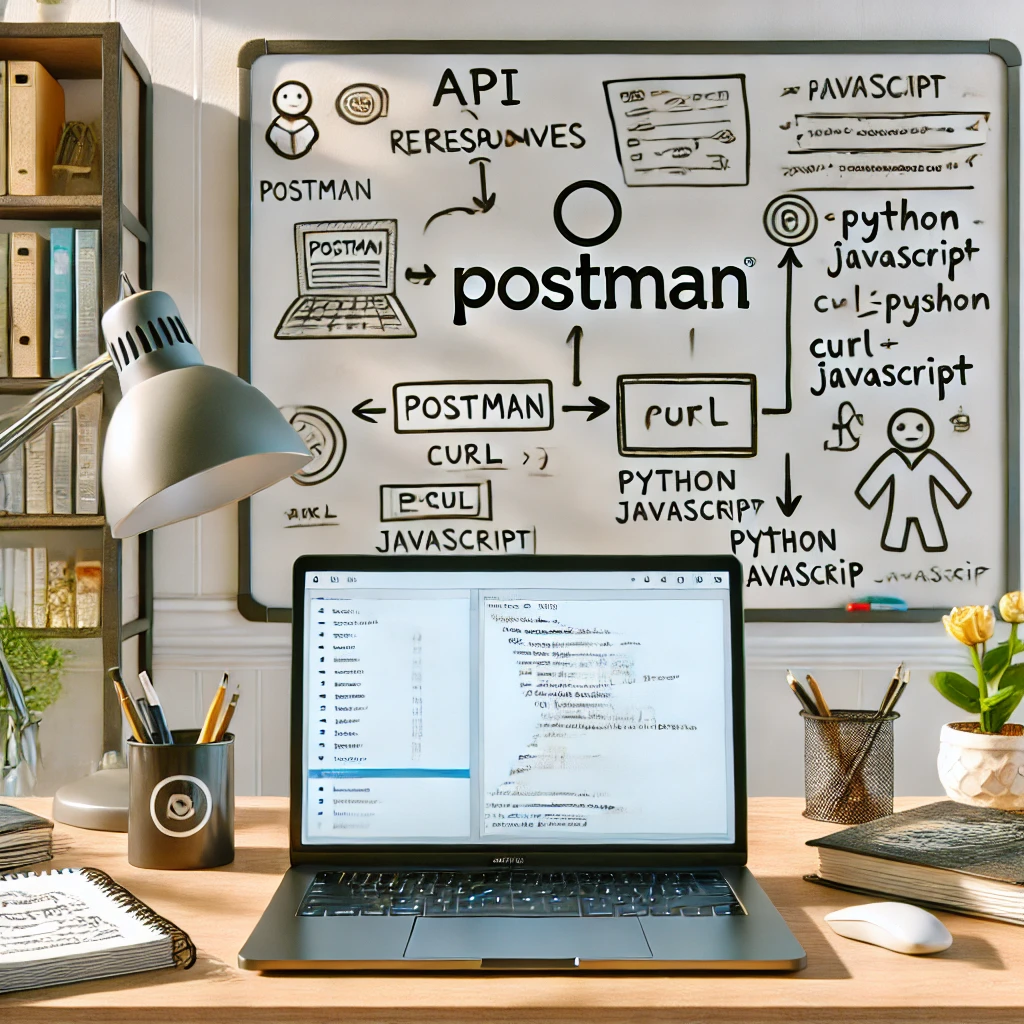
Why Should You Learn API Automation?
Today, I want to take you on a journey that started with curiosity and has become an essential part of my daily workflow. I’m talking about the fascinating world of automation. If you’ve ever needed to automate repetitive tasks, this story is for you. Grab a coffee, sit back, and let’s dive in.
What Is Postman and Why Is It the Best Place to Start?
My automation adventure began with Postman. For those unfamiliar, Postman is a powerful tool for testing APIs. It makes sending requests and receiving responses easy, like having a friendly guide to help you understand how APIs work.
How Do You Get Started with Postman?
- Download and install Postman from postman.com
- Open Postman and create a new request
- Select GET as the request method
- Enter an API URL — for example
https://jsonplaceholder.typicode.com/users/1 - Click Send and inspect the response body
Postman is incredibly user-friendly and provides a visual interface to interact with APIs. However, as I grew more comfortable, I wanted more control and flexibility. This led me to explore another tool: curl.
How Do You Move from Postman to cURL?
cURL (Client URL) is a command-line tool for transferring data using various network protocols. It’s a powerful alternative to Postman, especially for scripting and automation tasks.
How Do You Use cURL to Make API Requests?
Install cURLl: cURL comes pre-installed on most Unix-based systems. For Windows, you can download it from the official website.
Basic Usage: To perform the same GET request we did with Postman, open your terminal and type:
curl https://jsonplaceholder.typicode.com/users/1
Adding Headers: Need to add headers? No problem. Use the -H flag:
curl -H "Content-Type: application/json" https://jsonplaceholder.typicode.com/users/1
Sending Data: For POST requests, you can send data using the -d flag:
curl -X POST -H "Content-Type: application/json" -d '{"name":"John Doe"}' https://jsonplaceholder.typicode.com/users
Curl’s command-line nature makes it perfect for scripting and integrating into larger automation workflows. But there was still more to discover. My next step was diving into programming languages like Python and JavaScript.
How Do You Automate API Calls with Python and JavaScript?
Programming languages open up endless possibilities for automation. With libraries and frameworks, you can automate complex workflows, integrate with various APIs, and handle data efficiently.
How Do You Automate API Calls with Python?
Python is my go-to language for automation due to its simplicity and powerful libraries.
Install Requests Library: Start by installing the requests library:
pip install requests
Basic GET Request:
import requests

response = requests.get('https://jsonplaceholder.typicode.com/users/1')
print(response.json())
Handling POST Requests:
import requests
import json

url = 'https://jsonplaceholder.typicode.com/users'
data = {'name': 'John Doe'}
response = requests.post(url, data=json.dumps(data), headers={'Content-Type': 'application/json'})
print(response.json())
How Do You Automate API Calls with JavaScript?
JavaScript, especially with Node.js, is another excellent choice for automation.
- Install Axios: We’ll use Axios for HTTP requests:
`npm install axios`- Basic GET Request:
const axios = require('axios');

axios.get('https://jsonplaceholder.typicode.com/users/1')
  .then(response => {
    console.log(response.data);
  })
  .catch(error => {
    console.error(error);
  });
- Handling POST Requests:
const axios = require('axios');

const data = {
  name: 'John Doe'
};

axios.post('https://jsonplaceholder.typicode.com/users', data, {
  headers: {
    'Content-Type': 'application/json'
  }
})
.then(response => {
  console.log(response.data);
})
.catch(error => {
  console.error(error);
});
What’s Next on Your Automation Journey?
Automation is an ever-evolving field, and the tools and languages I’ve mentioned are just the beginning. Whether you’re starting with Postman, diving into curl, or exploring the power of Python and JavaScript, there’s always something new to learn and discover.
How Can You Start Your Own Automation Journey?
I hope this story has inspired you to start your own automation journey. Try out the examples above, experiment with different tools, and share your experiences. What tools have you found helpful? What challenges have you faced? Let’s keep the conversation going in the comments below.
Stay tuned for the next part of this journey, where we’ll delve deeper into advanced automation techniques and integrations. Happy automating!
Frequently Asked Questions
What is the difference between Postman and curl for API testing? Postman provides a visual, GUI-based interface — ideal for exploring APIs and inspecting responses without touching a terminal. curl is a command-line tool that excels at scripting; once you know the request shape, curl lets you embed it directly into shell scripts or CI pipelines with no extra software.
How do you send a POST request with a JSON body using curl?
Use the -X POST flag with -H "Content-Type: application/json" and -d to pass the body: curl -X POST -H "Content-Type: application/json" -d '{"name":"John Doe"}' https://jsonplaceholder.typicode.com/users. The response is printed directly to the terminal.
Which library is recommended for making API calls in Python automation scripts?
The requests library. Install it with pip install requests, then use requests.get(url) for GET calls and requests.post(url, data=json.dumps(data), headers={...}) for POST calls. It handles connection management, response parsing, and error handling with a clean, readable API.
Comments
No comments yet — be the first to share your thoughts.